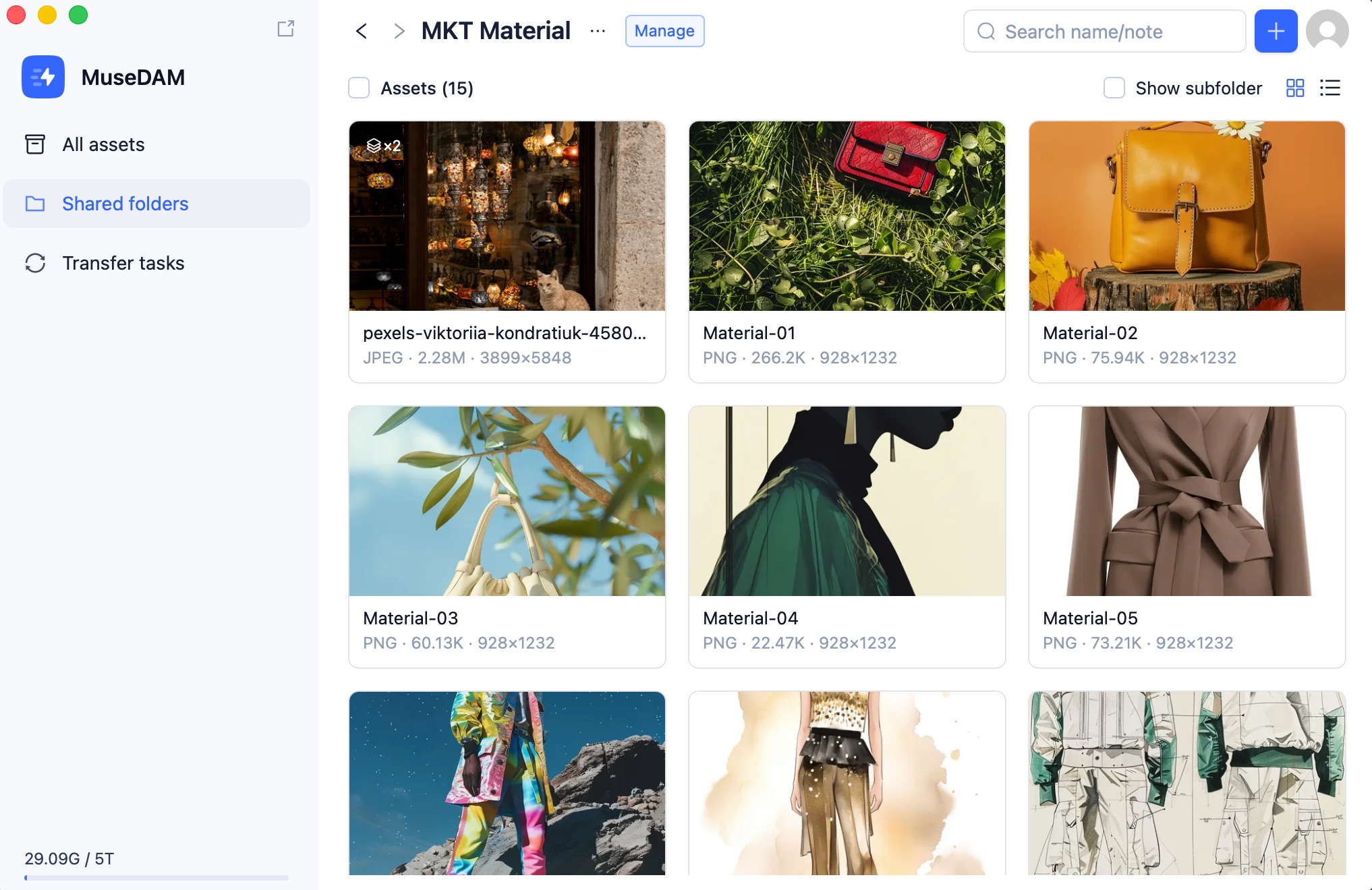
The Local Transfer App is MuseDAM's desktop application — an enhanced companion to the web platform that delivers cleaner file management, faster and more reliable file transfers (upload and download), and a smoother overall experience. It's built for teams that regularly work with large volumes of assets or need to do frequent bulk uploads and downloads.
MuseDAM's cloud platform is the core of your digital asset management experience. The Local Transfer App serves as a specialized companion for file-heavy workflows. Here's how they compare:
Feature
Local Transfer App
Cloud DAM
Primary purpose
Professional file transfer tool
Complete digital asset management platform
Upload & download
✅
✅
Resume interrupted transfers
✅
❌
Bulk transfer
✅
✅
Asset management
Limited
✅ Full
Search & filter
Basic keyword search
✅ AI-powered smart search
Preview & editing
❌
✅
Sharing & collaboration
❌
✅
Permission management
❌
✅
Tag management
❌
✅
Version control
❌
✅
Analytics & activity logs
❌
✅
Transfer performance
⭐⭐⭐⭐⭐ Professionally optimized
⭐⭐⭐ Browser-limited
Network resilience
Supports reconnection & resume
Requires stable connection
Mobile support
Desktop only
Responsive — works on mobile
Collaboration features
❌
✅ Full collaboration suite
💡 Recommended approach: Use the cloud platform for everyday asset management, team collaboration, searching, and sharing. Switch to the Local Transfer App when you need to bulk-upload large files or when your network is unstable. Once uploads complete, assets are automatically available in your cloud library.
📋 Upload Recommendations
For the most stable transfer experience, we recommend the following guidelines:
Single file size: Under 10GB per file; maximum 20GB
Batch size: Around 100 files per batch, averaging approximately 50MB each
Folder depth: No more than 3 levels deep — deeper nesting can significantly slow response times
❓ Frequently Asked Questions
Q: Is there a MuseDAM mobile app?
Not yet. The Local Transfer App is a desktop-only application, available for macOS and Windows. If you need to access MuseDAM on a mobile device, you can open the web version in a mobile browser.
Q: What's the difference between the app and the web version, and when should I use the app?
The web version is ideal for everyday browsing, previewing, and sharing — lighter-weight tasks. The Local Transfer App is purpose-built for high-volume file transfers. Use it when you need to bulk-upload assets, move very large files, or work in an environment where your network connection is unreliable.
Q: If my connection drops mid-upload, do I need to start over?
No. The app supports resume-on-reconnect — when your network comes back, the transfer continues from exactly where it left off.
Q: Is there a file size limit for uploads?
Individual files should ideally be under 10GB, with a hard maximum of 20GB. For batch uploads, we recommend uploading around 100 files at a time with an average size of approximately 50MB each, and keeping folder depth to no more than 3 levels.
Q: How do I update to the latest version?
After your initial installation, the app will prompt you with an in-app notification when a new version is available. Just click Update in the prompt — no need to download or reinstall manually.