 上海公共網路安全第 31010402010164 號網路資訊帳號第 310115402810501240017 號網路資訊帳號第 310115402810501240033 號模型備案號:上海-TezignCreativeReasoning-202510170089登記號:Shanghai-Muse-20260731S0210上海公共網路安全第 31010402010164 號網路資訊帳號第 310115402810501240017 號網路資訊帳號第 310115402810501240033 號模型備案號:上海-TezignCreativeReasoning-202510170089登記號:Shanghai-Muse-20260731S0210
Fast fashion design teams face high asset volume and tight timelines. Learn how DAM dashboard centralizes asset status, feedback, and workflow to improve collaboration efficiency.
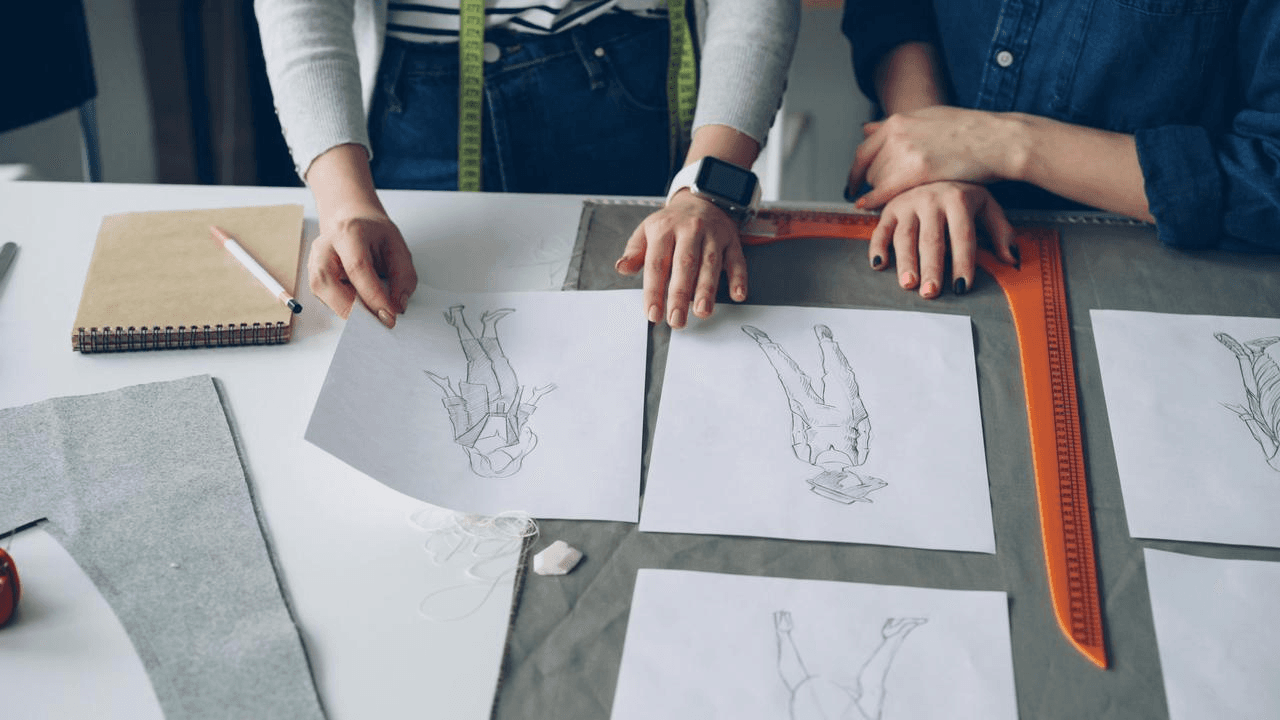
Problem: Fast fashion design teams handle large volumes of assets under extremely tight timelines—yet collaboration efficiency continues to decline. The root cause is not design capability, but fragmentation: assets, progress updates, and feedback are scattered across multiple tools, driving up coordination costs.
Solution: With a DAM dashboard view, asset status, project progress, and collaboration feedback are unified into a single visual interface. Team members can instantly see priorities, reduce repetitive communication, and align on next actions. Before dashboard adoption, design leads spent significant time responding to progress inquiries; after implementation, feedback became centralized, cross-functional alignment improved, and approval checkpoints became more predictable.
Fast fashion teams typically run multiple collections and multi-channel visual production in parallel. File volumes are high, revisions are frequent, and many roles are involved.
Common challenges include:
These inefficiencies stem from the absence of a real-time interface that reflects asset status and project progress—not from design skill gaps.
The DAM dashboard view upgrades asset management from static storage to dynamic collaboration through workflow visualization.
Key capabilities include:
In platforms like MuseDAM, dashboard is not just a project view—it is a content management interface. Teams manage the full asset lifecycle directly within dashboard, reducing tool switching and improving overall efficiency.
A typical fast fashion design team follows a phased setup:
Before dashboard, design leads spent large portions of the day confirming progress and chasing revisions. After rollout, feedback became centralized, cross-team alignment happened naturally, and management indicators—such as non-creative communication volume—declined while approval control improved.
DAM dashboard consolidates asset status, collaboration feedback, and workflow progress into a single interface, making design operations transparent and controllable.
The impact is most visible in three areas:
Each asset’s status is instantly clear, reducing repetitive status checks.
Comments and annotations are tied to specific assets and versions, eliminating scattered chat threads.
Once an asset moves to the next status, the relevant role naturally takes over—without manual reminders.
With comments, annotations, and version control, designers spend more time creating and less time coordinating.
MuseDAM’s advantage lies in enabling teams to manage assets and collaborate on projects without adding extra tools, avoiding duplicate work and information loss.
Any team running parallel projects with multiple collaborators can benefit. dashboard reduces communication costs and improves transparency for both small teams and cross-department groups.
No. Status updates are handled through simple drag-and-drop and are already part of the design workflow.
Yes. Columns can be tailored to brand processes and project types, supporting different collections or channels.
Yes. Each card retains full version history, preventing outdated assets from being reused and keeping reviews under control.
MuseDAM provides flexible integrations and permission controls, enabling seamless collaboration with existing workflow tools.
Experience MuseDAM Enterprise and see how centralized asset management, unified workflows, and transparent collaboration allow your team to focus on creativity and innovation—without losing control.